Install the Android app
Open the verified Play Store page for Private VPN Proxy and add it to an Android phone that supports the app.
Download Private VPN Proxy, choose Georgia, and start an encrypted Android connection in one tap. Use Georgia when a Caucasus destination between Europe and Asia matches your next Android session. Private VPN Proxy presents the Georgian country route, active protection state, and practical connection choices without requiring technical server setup.
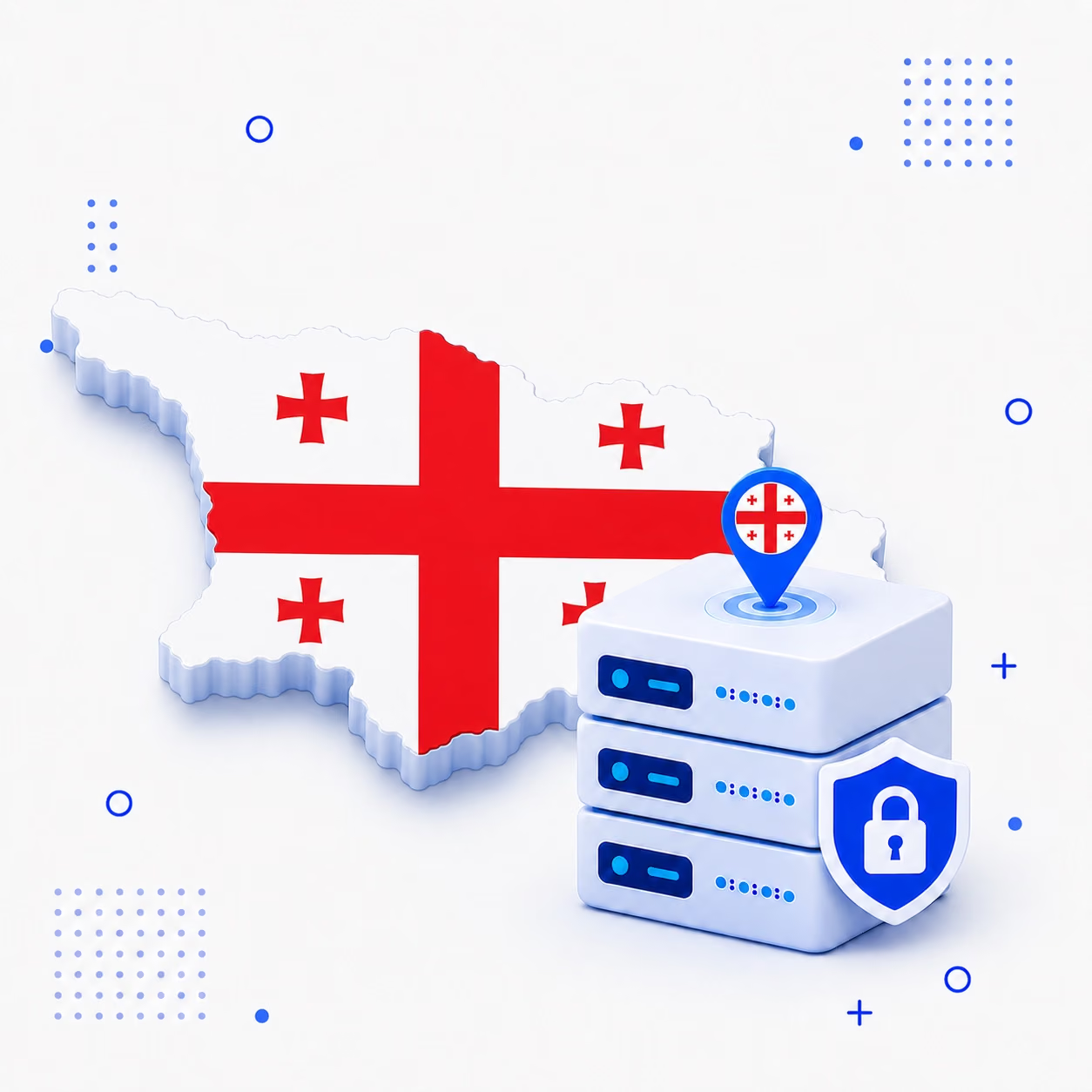
Country selection and tunnel activation remain separate, visible stages in the Android workflow. Confirm that Georgia is currently displayed in the app before connecting.
Open the verified Play Store page for Private VPN Proxy and add it to an Android phone that supports the app.
Choose the white flag with red crosses and Georgia name instead of entering endpoint details.
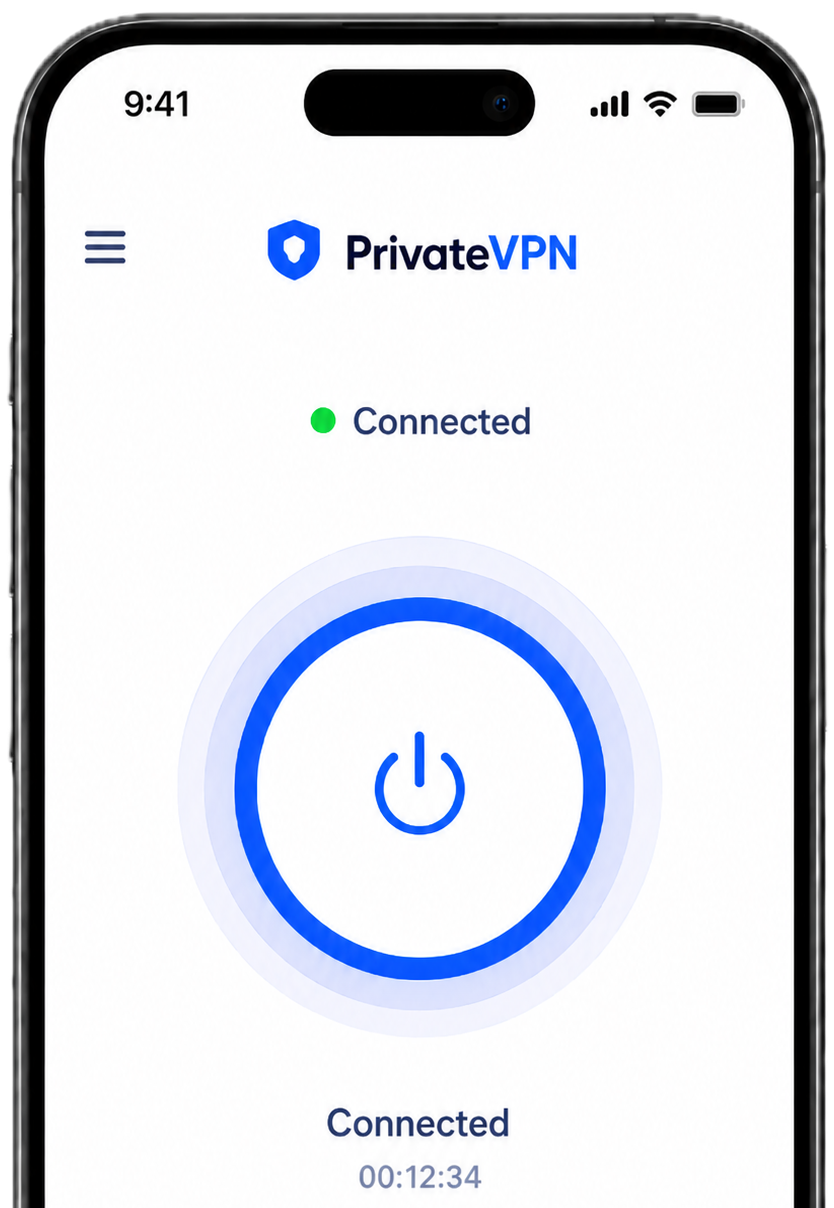
Press connect and wait until the protected Caucasus route is shown as active.
The Caucasus destination combines simple discovery, encrypted first-hop traffic, and persistent session feedback.
The named Georgian entry avoids saved infrastructure details and remains convenient for future sessions.
Encryption can reduce nearby visibility on airports, hotels, rail stations, cafés, campuses, or guest connections.

Route feedback helps you identify interruption, retry, change the protocol, or stop protection deliberately.

Locate Georgia in the Private VPN Proxy country list to see whether the Caucasus route is currently included in free access.
The live Georgian entry shows any premium label, operating limit, or availability information before activation.

Open Private VPN Proxy, choose Georgia, and tap connect. Begin your next task after the app confirms a protected Georgian session.
Open the official Google Play listing
The worldwide selector stays available whenever another endpoint is preferable. One Android installation handles supported switches from Georgia. The live in-app list determines which routes are currently available.
Readable mobile tools support country identity and tunnel maintenance throughout the Caucasus route.
Choose the country through its written name and recognizable flag.
Match an available tunnel method to the access network carrying the device.
Wait for active connection status before leaving Private VPN Proxy.
Keep supported DNS requests aligned with the encrypted Georgian connection.
Wrap compatible device traffic before the local access point hands it onward.
Adjust the session without a desktop companion or imported configuration.
Current features can vary by app version, server and plan. Review the options shown in the Android app before connecting through Georgia.
 Country selection
 WireGuard support
 OpenVPN support
 DNS leak protection
 Kill switch support
 Visible connection status
 Split tunneling
 Android compatibility
 Free and premium choices
 One-tap connection
 Public Wi-Fi protection
 No registration required
Understand the Caucasus route, its access status, and factors that can affect performance.
Eligible Android traffic follows the chosen Georgian endpoint after Private VPN Proxy establishes encryption.
Yes. The page and destination refer to the sovereign country in the Caucasus, identified by its national flag.
Yes, if included in the current free selection. The Georgia entry shows live access details.
Distance, regional provider interconnections, wireless quality, congestion, and endpoint use can alter results.
No. Platforms independently manage accounts, locations, content, security controls, and VPN policies.
Use the verified Private VPN Proxy page in Google Play and confirm your Android device is compatible before installation.
Get the Android app from Google Play, choose Georgia from the country list, and start your encrypted connection with one tap.

 Afghanistan
 Albania
 Algeria
 Andorra
 Angola
 Antigua and Barbuda
 Argentina
 Armenia
 Australia
 Austria
 Azerbaijan
 Bahamas