Download the app
Install Private VPN Proxy from Google Play on your Android device.
Download Private VPN Proxy, select the United States, and start an encrypted Android connection in one tap. Keep the active route visible while you browse, stream, game, or use shared Wi-Fi.
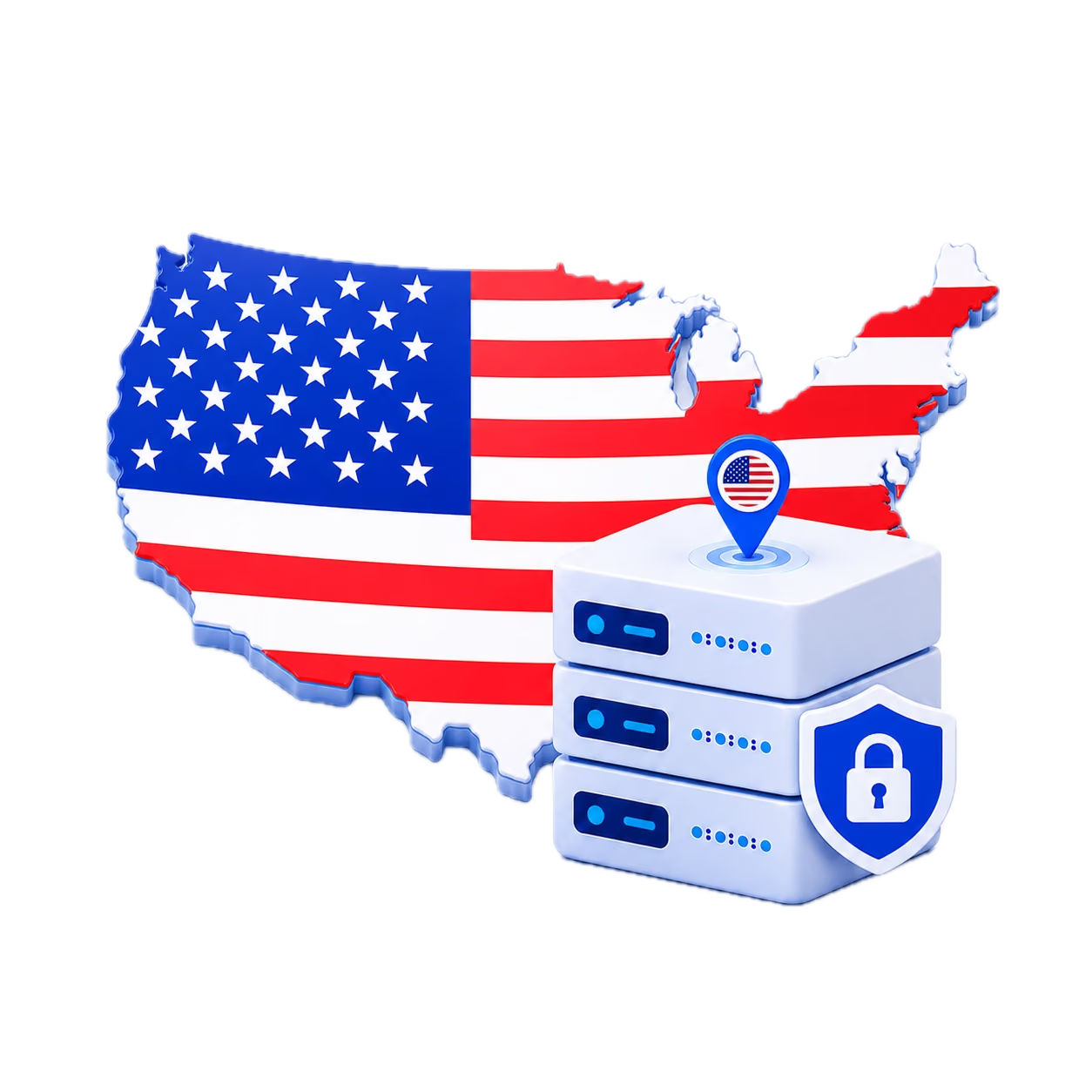
Choose a US server and protect your browsing in a few quick taps.
Install Private VPN Proxy from Google Play on your Android device.
Open the server list and select the United States as your VPN country.
Tap connect and start browsing through your selected USA VPN server.
These regional examples help you understand the intended USA browsing experience. Confirm which United States endpoints are currently selectable in the Android app.
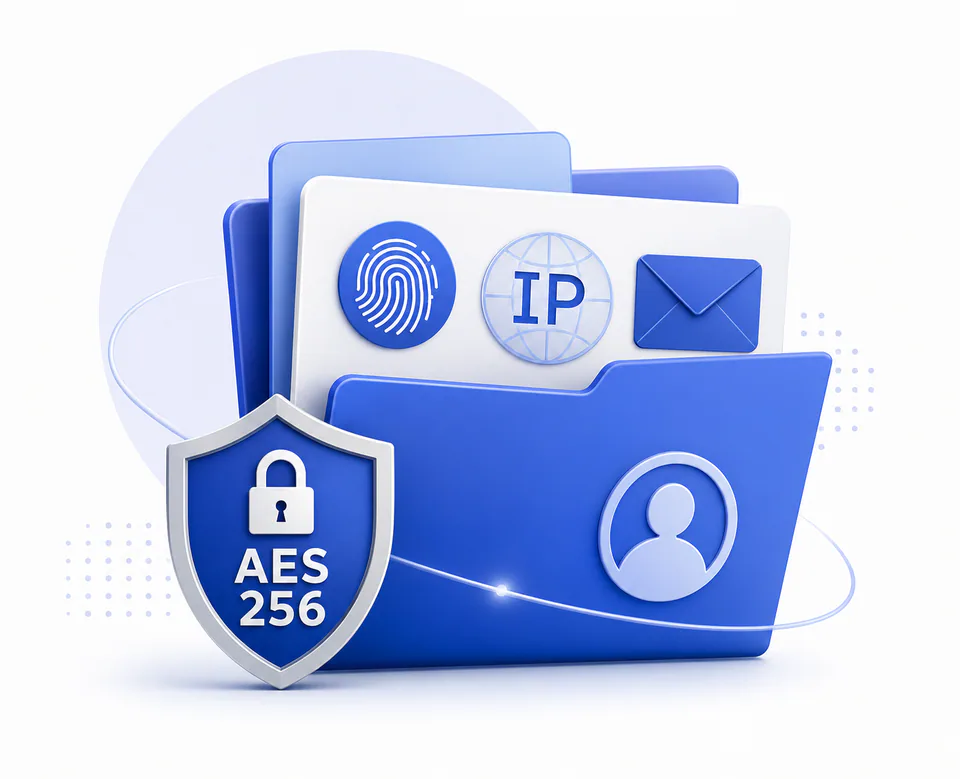
Add encryption to supported Android traffic and keep everyday connection controls easy to understand.
Connect to an available USA route through a lightweight Android experience. Actual speed depends on your network, route distance, congestion and server load.
Encrypt supported traffic on public Wi-Fi and reduce local-network exposure while the VPN connection remains active.
Private VPN Proxy is currently offered for compatible Android phones and tablets through Google Play.
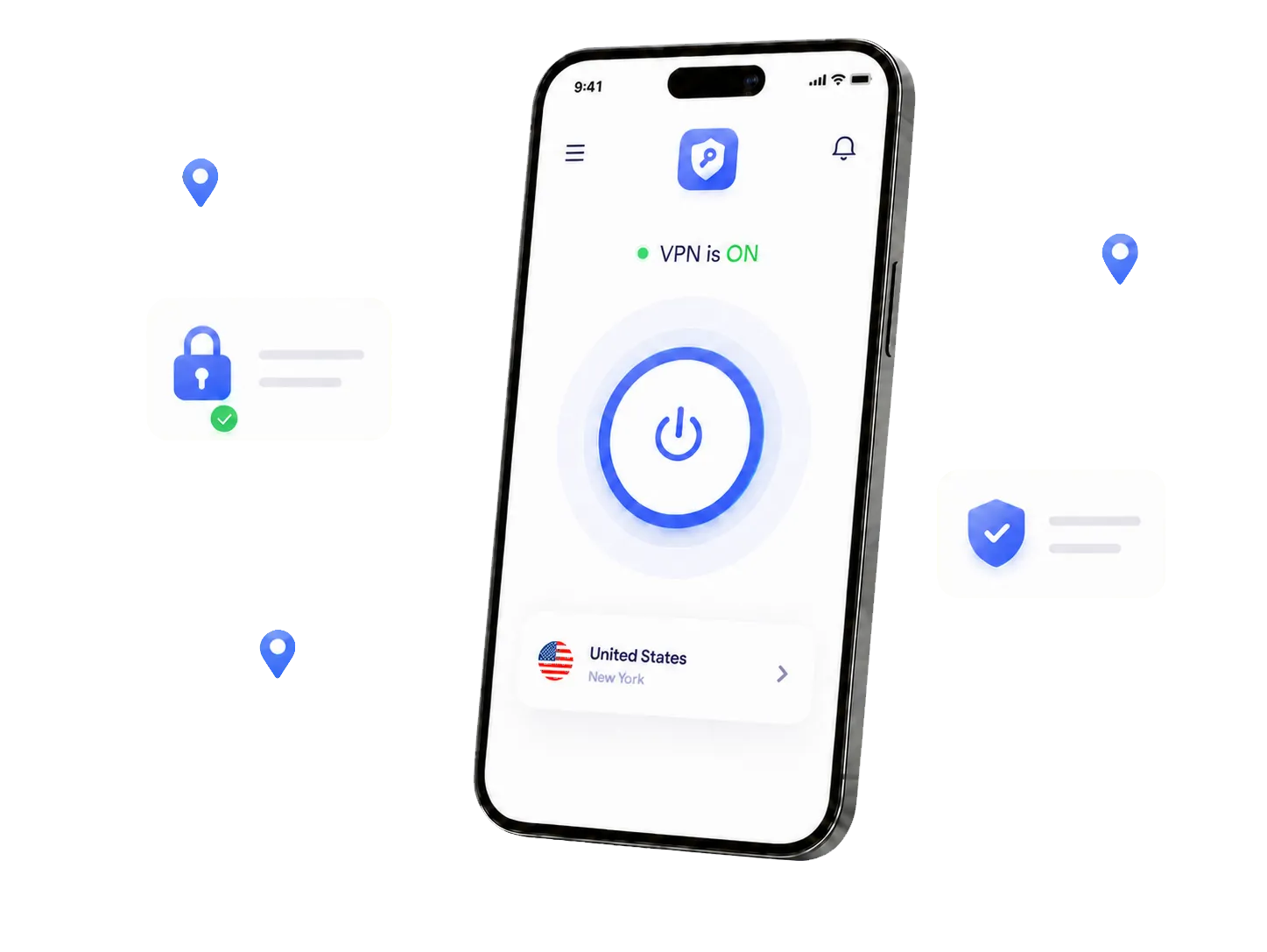
Private VPN Proxy uses a freemium model. A USA route is part of free access only when the United States is shown as available under the current free option in the app.
Review the live server, usage and plan information before you begin; availability and conditions can change.
Install the app, review the live country list and select United States when it is available for your plan. One tap starts the encrypted connection.
Download Private VPN Proxy
Review the current feature set and confirm USA availability in the Android app before connecting.
Browse available country choices and switch servers when your needs change.
Choose between WireGuard and OpenVPN where available in the app.
Use simple connection controls with clear status information.
Help keep DNS requests inside the protected VPN connection.
Encrypt supported Android traffic on unfamiliar and public networks while connected.
Reduce accidental exposure if the VPN connection is interrupted.
A streamlined Android VPN experience. Performance varies with the device, network, route and server conditions.
 WireGuard and OpenVPN support
 USA country selection
 DNS and IP leak protection
 Kill switch support
 Multiple security protocols
 Secure connection status
 Split tunneling support
 Android compatibility
 Unlimited bandwidth options
 One-tap connection
 Private browsing controls
 No registration required
Answers about USA servers, setup and everyday VPN use.
When available, a USA server provides a US route while encrypting supported traffic between your Android device and the selected VPN server.
Choose a VPN with clear privacy controls, reliable server availability, modern protocols and an interface you understand.
Free and premium availability can vary. The current options and any limits are shown inside the app before you connect.
Review the current privacy policy for details about data handling, diagnostics and service operation.
A USA server gives you a US connection option. Website availability still depends on the destination service and its terms.
Download the app and open the country list. If United States is currently available for your plan, choose it and tap the connect control.
Get the Android app from Google Play, choose the United States, and start your encrypted VPN connection in one tap.
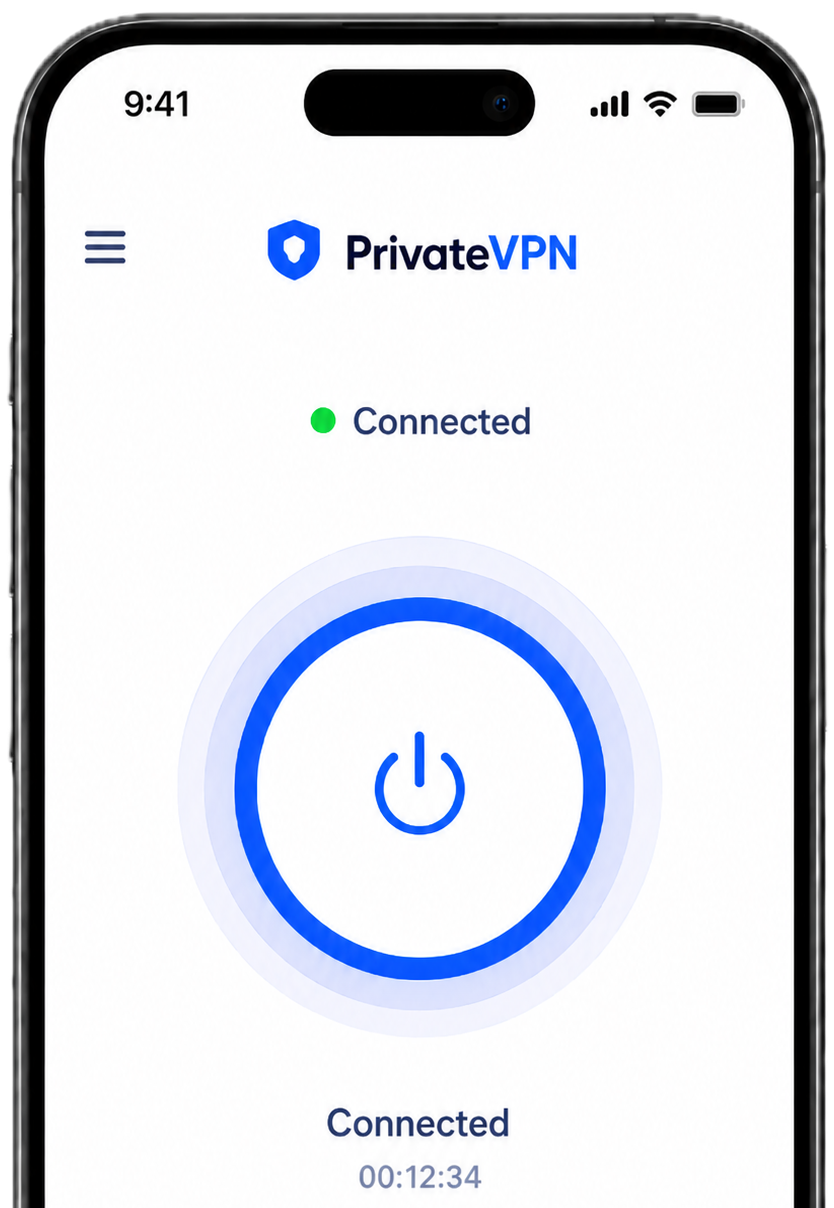



















 Australia
 Brazil
 Canada
 Chile
Chile France
 Germany
 Indonesia
 India
India Ireland
 Italy
Italy Argentina
 Belgium
 Denmark
 Egypt
Egypt Finland
 United States